

Is It Possible to Watch Netflix on Nintendo Switch?
While the Switch supports streaming, Netflix is not built into the system. Unlike YouTube or Hulu, it does not come pre-installed. This may be due to the Switch’s operating system, which does not officially support apps like Netflix and Prime. As a result, you cannot access these services directly. Despite many users requesting an update, there has been no change.
If you still want to enjoy Netflix content on your Switch, one practical workaround is to download movies to USB using your computer and then play them through supported media players that work on the Switch via the browser or homebrew environment.
Way 1. Install Android on Switch to Watch Netflix
To get Netflix on your Nintendo Switch, you can install Android on the device. Similar to a smartphone or tablet, this enables access to the Google Play Store, where you can download apps like Netflix. However, this approach is unofficial, not supported by Switch developers, and may void your warranty. Additionally, it could cause conflicts or issues with your Switch. Therefore, only proceed if you fully understand and accept the risks involved.
You will need the following items:
- A microSD card (minimum 16GB)
- A USB-C cable
- A compatible Nintendo Switch
Once you have these, you’ll need to install Switchroot Android, which allows your Switch to run Android applications. After installation, you can download Netflix, YouTube, and other apps from the Play Store. Keep in mind that this process is complex and time-consuming. If you prefer a simpler and more reliable method, check out the next section!
Way 2. Watch Netflix on Switch via Keeprix Video Downloader
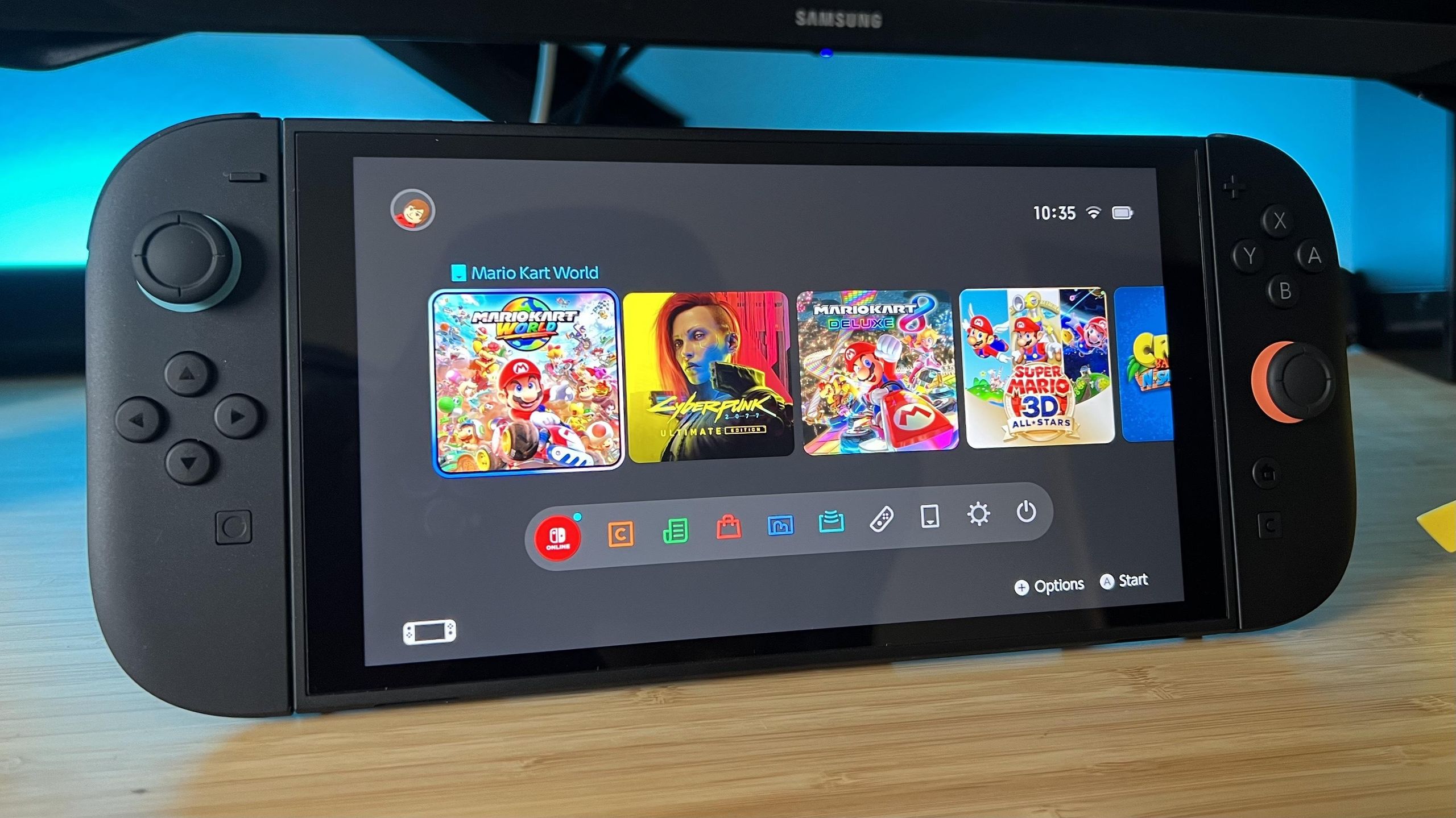
Here’s another way to watch Netflix on your Switch. You can download movies or shows on your computer, transfer them to your console, and enjoy them anytime on any device. However, the issue is that Netflix doesn’t allow you to save videos as standard files. Their content is protected by DRM, so it only works within the Netflix app. To bypass this, you can use Keeprix Video Downloader.
Keeprix Video Downloader lets you download Netflix videos in MP4 or MKV formats without restrictions. It works on both Windows and Mac, supports high-quality downloads including 4K resolution, and the best part is that once downloaded, the videos won’t expire or be deleted. You can watch them anytime, even offline.
Read More: 8 Epic Movies to Watch If You Loved Troy
To download Netflix videos to MP4 using Keeprix Video Downloader:
Step 1. Download and install Keeprix Video Downloader on your Mac or Windows computer. Then, select the “Netflix” platform.
Step 2. Find the movie or show you want to download. Open it and click the “Download” button located at the bottom right corner, which will trigger a pop-up to appear.
Step 3. After the download is finished, you can locate the video in the output folder you chose previously.
Conclusion
In conclusion, although Netflix is not officially supported on the Nintendo Switch, there are alternative ways to watch it on the device. One option is to install Android on your Switch. A simpler approach is to use Keeprix Video Downloader to download Netflix videos and then transfer them to your Switch. This tool allows you to save Netflix content as MP4 files, enabling you to watch them on your Switch without any limitations.
